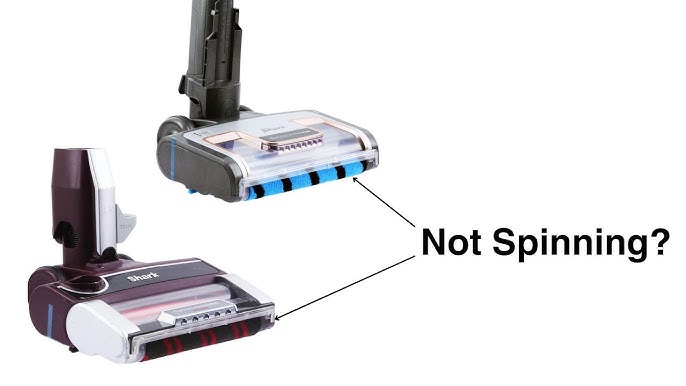
Your Shark Navigator is a workhorse. It tackles pet hair, crumbs, and dust with impressive power. But when the brush roll stops spinning, you know the culprit. The drive belt has likely worn out. It’s a common, fixable issue.
Replacing the belt yourself is straightforward. You’ll save money and extend your vacuum’s life. For this project, a reliable replacement part is key. Many professionals and DIYers recommend using the JEDELEOS Replacement Belts kit, which often includes the tools you need and fits many Shark Navigator models. Let’s get your vacuum back to peak performance.

What You Need: Tools and Parts
Before you start, gather your supplies. Having everything on hand makes the process smooth. You don’t need specialized tools, just a few basics.
Essential Tools
- A Phillips head screwdriver (size #2 is standard).
- A flathead screwdriver or a plastic pry tool (to avoid scratches).
- A clean, well-lit workspace.
The Right Replacement Belt
This is critical. Using the correct belt ensures proper belt tension and prevents damage. Check your vacuum’s manual or the old belt for a part number, like XFF350. OEM (Original Equipment Manufacturer) belts are guaranteed to fit, but quality third-party options like the JEDELEOS belts are popular and cost-effective. Always verify compatibility with your specific Shark Navigator model, whether it’s a Shark Navigator Lift-Away or a standard upright.
Step-by-Step Shark Navigator Belt Replacement Guide
Follow these steps carefully. The process is similar across most Shark upright vacuum cleaners.
Step 1: Safety First and Preparation
Unplug the vacuum. Always. Turn it over so the bottom faces up. Clear any debris, hair, or string wrapped around the brush roll. This debris is a primary cause of belt stretch and failure.
Step 2: Accessing the Brush Roll Chamber
Locate the access panel on the bottom of the vacuum head. It’s usually held by several Phillips screws. Remove these screws and set them aside safely. Gently pry open the panel using your flathead screwdriver or pry tool.
Step 3: Removing the Old Belt and Brush Roll
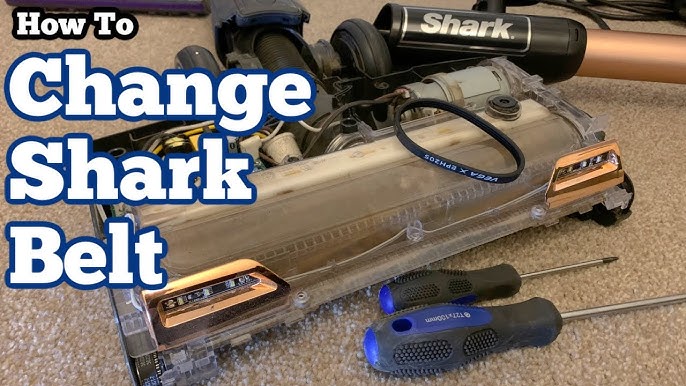
- You’ll see the brush roll seated in the chamber with the old belt looped around one end and connected to the motor drive.
- Carefully slide the belt off the motor drive peg. It might be tight or broken.
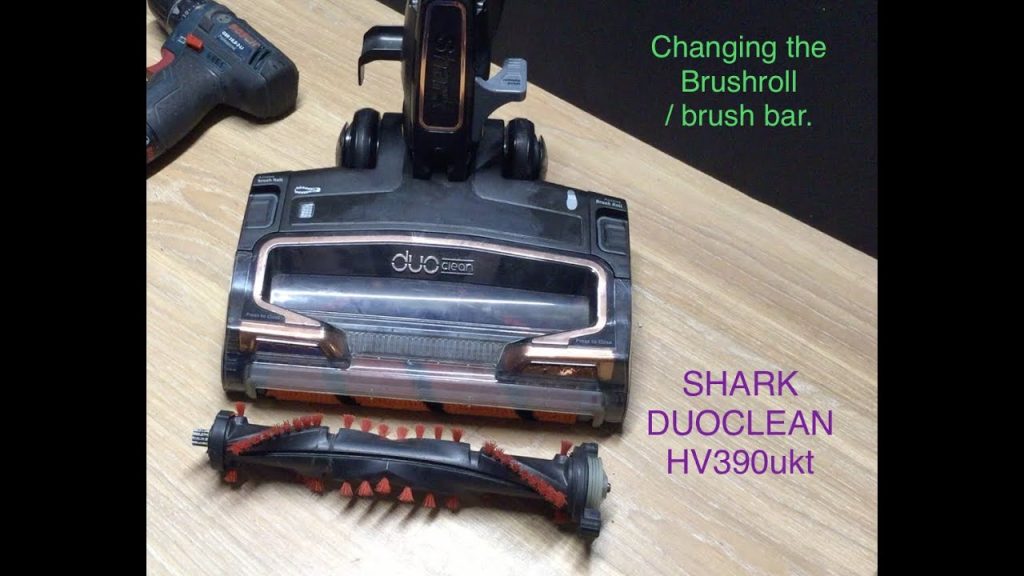
- Lift the brush roll out of its housing. Some models have end caps that pop off; others allow the roll to slide out once the belt is free.
- Remove the old, stretched, or broken belt from the brush roll.
Step 4: Installing the New Belt and Brush Roll
This step requires attention to proper alignment.
- Place the new belt onto the brush roll first. Ensure it’s seated in the groove.
- Position the brush roll back into its housing. Make sure it spins freely.
- Stretch the other end of the belt onto the motor drive peg. You’ll feel it snap into place. It should be snug, not overly loose or impossibly tight.
Step 5: Reassembly and Testing
Replace the access panel and secure it with all screws. Flip the vacuum upright, plug it in, and turn it on. Listen for smooth operation and watch the brush roll spin. If it doesn’t spin, the belt may not be on the drive peg correctly. Turn it off, unplug it, and check the installation.
Troubleshooting Common Belt Issues
Sometimes, a new belt doesn’t solve the problem. Here’s how to diagnose other issues.
Brush Roll Not Spinning After Replacement
If you’ve tackled the how to change the belt on a shark navigator lift away but the roll is still, check these points:
- Belt Alignment: Is the belt correctly on both the brush roll and motor peg?
- Brush Roll Obstruction: Is hair or thread wound around the roll ends, jamming it?
- Motor Drive: Can you spin the motor peg by hand (with the vacuum off and unplugged)? If it’s stuck, the motor may be faulty.
Burns Through Belts Quickly
If belts snap or stretch every few months, look for underlying causes:
- Frequent use on thick carpets can increase wear.
- A clogged vacuum, like one with a full Shark Navigator upright with HEPA filter, strains the motor and belt.
- Debris wrapped around the brush roll ends creates drag, overheating the belt.
For visual learners, searching for a shark navigator professional belt replacement video can be incredibly helpful to see these steps in action.
Maintenance Tips to Extend Belt Life
Preventative care is the best repair. A little routine shark vacuum maintenance keeps everything running longer.
Regular Cleaning Routine
- After every few uses, turn the vacuum over and cut away hair and strings from the brush roll and its ends.
- Empty the dust cup before it’s full to maintain strong suction and reduce motor strain.
- Check and clean filters monthly, as recommended in your manual.
Smart Usage Habits
- Avoid vacuuming up large, hard objects that can jam the brush roll.
- Use the correct height adjustment setting for your floor type. Too low on carpet creates excessive friction.
- When where to buy replacement belt for shark navigator comes up, choose reputable sellers to ensure you get a durable product, not a subpar knockoff.
Understanding Warranty Implications
Self-repair typically does not void your Shark warranty for the parts you replace, but damaging another component during the process might. If your vacuum is under warranty and you’re uncomfortable, consider contacting Shark first. For comprehensive, community-driven repair guides for all brands, a great resource is iFixit’s Vacuum Cleaner repair section.
Choosing the Right Parts: OEM vs. Third-Party
When you need a new shark upright vacuum belt, you have options.
| Type | Pros | Cons |
|---|---|---|
| OEM Belt | Guaranteed fit and performance from Shark. Ideal if warranty is a top concern. | Often more expensive. May only be sold in packs with other parts. |
| Third-Party Belt (e.g., JEDELEOS) | Cost-effective. Often sold in multi-packs. Quality of reputable brands is very good. | Must verify exact model compatibility. Quality can vary between brands. |
The choice depends on your budget and confidence. For most users, a highly-rated third-party belt is a practical solution.
Keeping Your Navigator on the Road
Replacing the drive belt is a simple yet vital skill for any Shark owner. It restores deep-cleaning power and prevents further damage. Remember the core steps: unplug, access, remove, install, and test. Regular cleaning of the brush roll is your best defense against premature belt failure.
With the right belt and about 15 minutes, you’ve solved the shark navigator not spinning brush roll fix. Your vacuum isn’t just a tool; it’s an investment. A little maintenance goes a long way in protecting it. Now, go tackle that carpet. It’s no match for a properly functioning Shark Navigator.