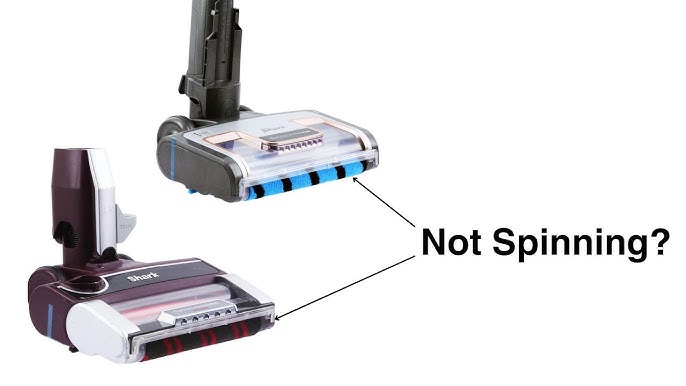
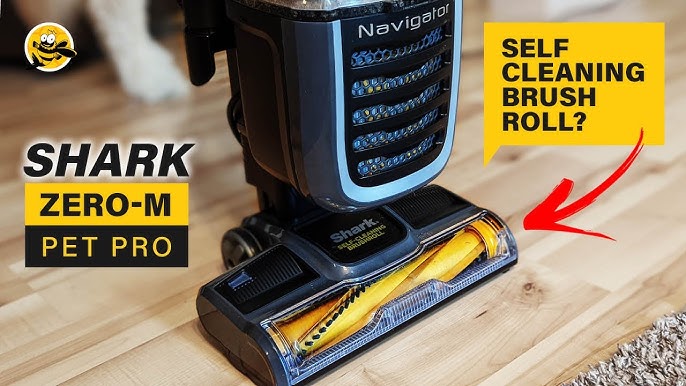
Your Shark vacuum’s brush roll has stopped spinning. The motor hums, but the cleaning power is gone. This isn’t a suggestion for future maintenanceit’s an immediate call to action. Your vacuum is crippled, and the culprit is almost always a broken or stretched drive belt. You need to fix this now to restore full suction and agitation.
Don’t panic. Changing the belt on a Shark vacuum is a direct, 15-minute repair. This guide gives you the urgent, step-by-step instructions you need. We’ll cover the exact process, critical troubleshooting, and how to find the right part. For a reliable, multi-pack option that fits many Shark upright and stick models, many users successfully use JEDELEOS Replacement Belts. Let’s get your vacuum back in the fight.

Tools & Safety Precautions You’ll Need
Gather these items first. Having everything at hand prevents mid-repair frustration.
- A Phillips screwdriver (size #2 is most common).
- A replacement belt specific to your Shark model. Using the wrong size causes immediate failure.
- Needle-nose pliers (helpful for belt removal).
- A clean, well-lit workspace.
SAFETY FIRST: Always unplug the vacuum. Never attempt this repair with the power cord connected. For cordless models, remove the battery pack entirely. This is non-negotiable.
Step-by-Step Shark Vacuum Belt Replacement Guide
Follow these steps precisely. The process is similar for most Shark upright, Navigator, and Rotator models.
1. Access the Brush Roll Chamber
Flip the vacuum over. Locate the latches or screws on the bottom plate covering the brush roll. Release the latches or remove the screws. Set them aside safely. Lift off the plate to expose the brush roll and belt housing.
2. Remove the Old, Broken Belt
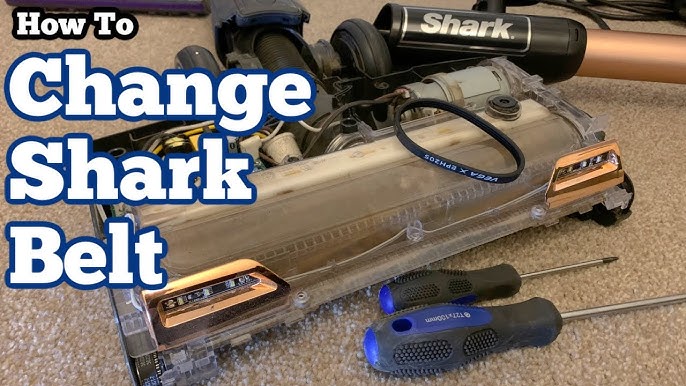
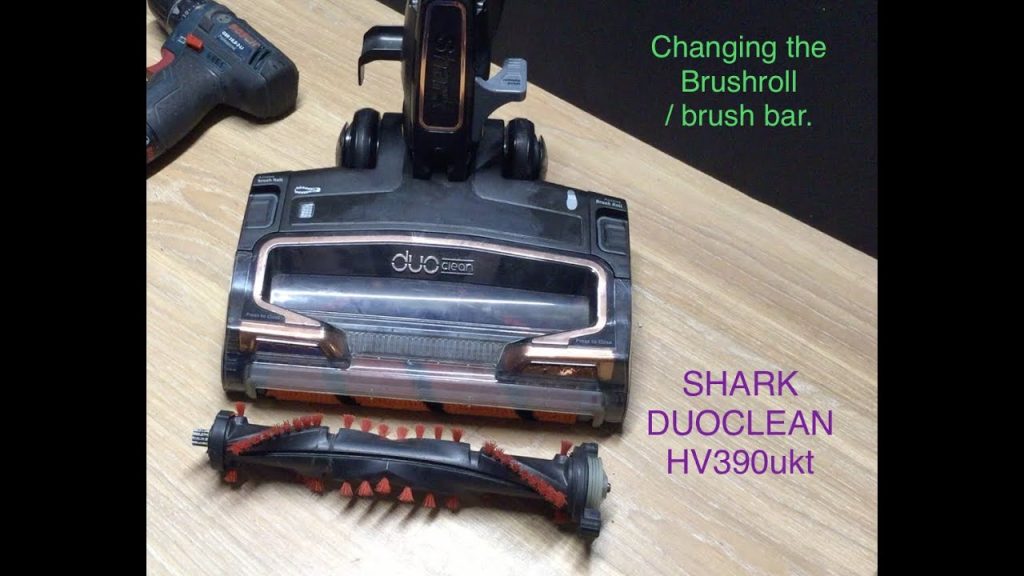
You’ll see the brush roll held in place by end caps. Slide the brush roll out of its housing. The old belt will be looped around the brush roll and a motor pulley. Use your fingers or pliers to gently stretch and slide the belt off the motor spindle. Inspect the old beltis it broken, melted, or just stretched? This tells you about underlying issues.
3. Clean the Chamber Thoroughly
This is a critical step competitors often skip. While the brush roll is out, remove all wound hair, string, and debris. Check for blockages in the air path. A clogged vacuum strains the motor and overheats belts. This is especially vital if you deal with long hair; consider a model built for that challenge, like the best anti-wrap Shark vacuum for long hair.
4. Install the New Drive Belt
Slide the new belt onto the brush roll first. Then, maneuver the brush roll back into its housing. Stretch the belt and loop it onto the motor pulley. Ensure it’s seated correctly in the grooves. Proper belt tension is keyit should be snug, not guitar-string tight. A loose belt will slip and not spin the brush.
5. Reassemble and Test
Replace the bottom plate and secure all latches or screws. Plug the vacuum back in. Turn it on and listen. The brush roll should spin freely and quietly. If it doesn’t, move to the troubleshooting section immediately.
Troubleshooting Common Shark Vacuum Belt Problems
Your shark vacuum brush roll not spinning after belt change? Don’t reassemble in frustration. Diagnose it.
The Brush Roll Still Won’t Spin
- Check the Installation: Is the belt correctly on the motor pulley? It can easily slip off during reassembly.
- Inspect the Brush Roll: Manually spin it. Does it turn freely? Debris in the bearings can lock it up.
- Motor Pulley Issue: The motor pulley itself should spin when the vacuum is on (be careful!). If it doesn’t, you may have a deeper motor or electrical problem.
The Belt Breaks Repeatedly
Why is my shark vacuum belt breaking every few weeks? This signals a chronic issue.
- Chronic Overheating: A clogged filter or full dust cup forces the motor to work harder, melting belts. Empty the cup and clean filters regularly.
- Wrong Belt Type: Using a generic “one-size-fits-most” belt instead of the specific replacement part number for your model. Ribbed and flat belts are not interchangeable.
- Obstructed Brush Roll: Hair and thread winding creates drag, straining the belt until it snaps.
Finding the Right Replacement Belt
Where to buy replacement belt for shark vacuum matters. Using the correct part is 80% of a lasting repair.
Identify Your Model Number
Find the sticker on the back or bottom of the vacuum’s main body. The model number (like NV352, NV501, etc.) is your key. Search “[Your Model] replacement belt.”
Understand Belt Types: Ribbed vs. Flat
This is a missing entity in most guides. Shark uses different drive belt designs.
| Belt Type | Common Models | Key Identifier |
|---|---|---|
| Ribbed Belt | Many Navigator, Rotator uprights | Has raised ridges on the inner surface |
| Flat Belt | Various stick vacuums, older models | Smooth inner surface |
Installing the wrong type leads to immediate failure. Cross-reference the shark vacuum belt size and style with your old belt.
Consider OEM vs. Third-Party
Original Equipment Manufacturer (OEM) belts from Shark’s official website guarantee compatibility. High-quality third-party belts (like the JEDELEOS pack mentioned) can offer better value in multi-packs. Read reviews to ensure fit.
Maintenance Tips to Extend Belt Life
Reactive repair is one thing. Preventive maintenance is smarter. It saves you time, money, and frustration.
Establish a Cleaning Routine
After every few uses, flip the vacuum and cut hair off the brush roll. This is the single biggest factor in extending your belt lifespan expectancy from 6 months to over 2 years. For homes with pets or high traffic, this is non-negotiable.
Maintain the Entire System
A vacuum is a system. Clogs anywhere strain the belt.
- Empty the dust cup before it’s full.
- Wash foam and felt filters monthly (let dry completely).
- Check hose and wand for blockages.
This shark vacuum maintenance preserves suction power and protects the motorized floor head.
Know Your Warranty Implications
Another missing entity: self-repair and warranty. In the U.S., performing your own repairs like a shark navigator belt change does not automatically void the warranty. However, if you damage the unit during the repair, that subsequent damage may not be covered. If you’re uncomfortable, contact Shark support first. For major issues or if you simply want to minimize manual maintenance, explore options like the best automatic self-emptying Shark vacuums.
You Can Fix This Now
A broken belt halts your cleaning. But it’s a simple mechanical fault with a direct solution. You have the guide. You know the steps: unplug, access, remove, clean, install, test. You understand how to prevent itregularly clear the brush roll, maintain filters, and use the correct belt. This isn’t just about restoring spin; it’s about restoring the full deep-cleaning performance you bought the vacuum for. Get the right part. Follow the instructions. Take back control. Your clean floors are waiting.