Your Shark NV800W is a workhorse, but a vacuum that won’t turn on is a major roadblock. You press the power button and get nothingno lights, no sound, no sign of life. It’s frustrating, but you’re not without options. Before you consider a costly replacement, there are several practical steps you can take. Many of these issues are surprisingly simple to diagnose and fix yourself.
This guide walks you through systematic shark nv800w troubleshooting. We’ll cover everything from basic power checks to battery diagnostics. For instance, if you discover a damaged canister is the culprit, a replacement like the MAYITOP Replacement Canister can be a cost-effective solution. Let’s get your vacuum running again.

Common Reasons Your Shark NV800W Won’t Turn On
A shark vacuum dead with no power usually points to a few key areas. Understanding these common failure points helps you target your troubleshooting efforts effectively. The problem often lies in the power path: from the outlet to the vacuum’s internal components.
- Power Supply Issues: A faulty outlet, damaged power cord, or loose connection at the charging dock.
- Battery Failure: The battery may be completely depleted, not holding a charge, or have faulty connections.
- Safety Lock Engagement: The vacuum’s brushroll might be jammed, triggering an automatic shut-off.
- Internal Electrical Fault: A rare but possible issue with the main power board or wiring.
- Simple User Error: It happens to the best of us. The unit might not be fully seated on its dock or a switch could be in the wrong position.
Step-by-Step Troubleshooting Guide
Follow these steps in order. Start with the simplest, most accessible checks before moving to more complex diagnostics. This method saves you time and effort.
1. Checking Power Supply and Connections
Always start here. A shark nv800w no power situation is often just a break in the power chain.
- Verify the Outlet: Plug another device into the same wall outlet to confirm it’s working. Try a different outlet in another room to rule out a circuit breaker issue.
- Inspect the Power Cord: Look for any visible damagefraying, cuts, or kinksalong the entire length of the cord and at both ends. Shark nv800w power cord issues are a common culprit.
- Check the Charging Dock Connection: Ensure the vacuum is properly and firmly seated on its charging dock. The metal charging contacts on both the dock and vacuum should be clean and free of debris.
- Look for Indicator Lights: Is the battery indicator on the dock or vacuum lit? No light usually means no power is reaching the unit.
2. Battery and Charging System Diagnostics
If power is reaching the dock, the next suspect is the battery. A shark vacuum won’t turn on after charging is a classic symptom of battery problems.
- Charge It Properly: Let the vacuum charge on its dock, undisturbed, for a full 4-6 hours. Sometimes a deeply drained battery needs a long initial charge to wake up.
- Listen and Look: You should hear a faint click when the vacuum engages with the dock. The battery indicator light should illuminate.
- Perform a Hard Reset: This can clear electronic glitches. Remove the vacuum from the dock. Hold down the power button for 10-15 seconds. Place it back on the dock and allow it to charge for an hour before trying again.
- Consider Age: Rechargeable batteries degrade over time. If your vacuum is several years old and runtime has been declining, the battery may simply be at the end of its life, necessitating a shark nv800w battery replacement.
3. Inspecting for Safety Locks and Blockages
Shark vacuums have built-in protections. A jammed brushroll will prevent the vacuum from starting to protect the motor.
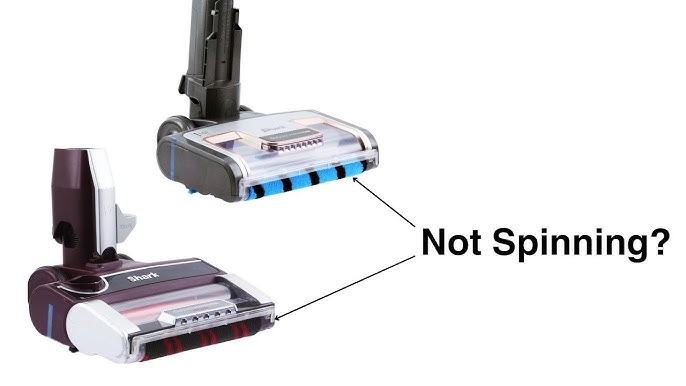
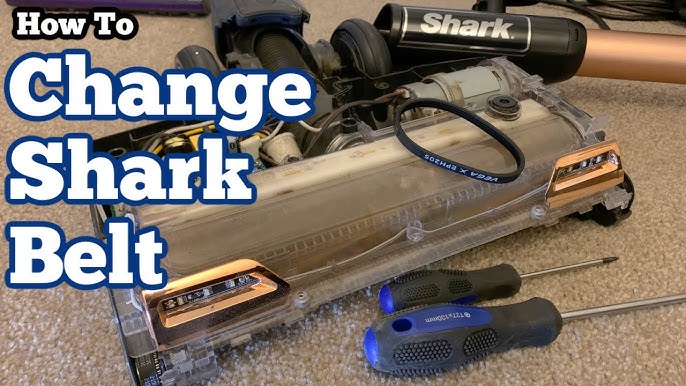
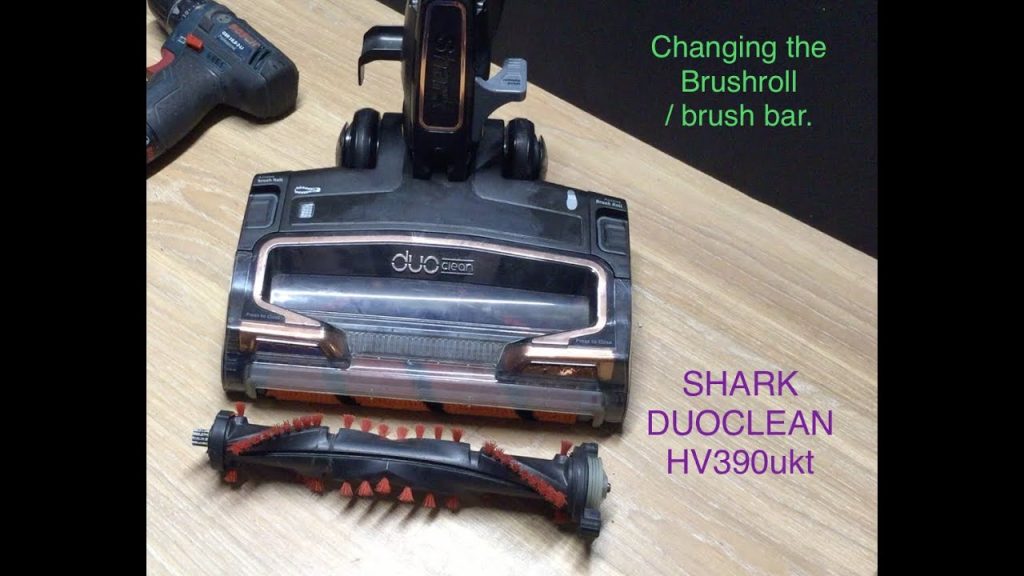
- Turn the vacuum over and inspect the brushroll. Manually spin it. It should rotate freely.
- Remove any tangled hair, strings, or debris wrapped around the brushroll ends or axle. For persistent hair wrap issues, you might want to explore models designed as the best anti-wrap Shark vacuum for long hair.
- Check the hose and wand for major clogs that could strain the system.
4. The Power Button and Internal Reset
If the shark nv800w power button not working is your specific issue, try this dedicated reset procedure.
Unplug the charging dock from the wall for 2 full minutes. While it’s unplugged, press and hold the vacuum’s power button for 30 seconds to discharge any residual power. Reconnect the dock, then place the vacuum on it. Wait 10 minutes before attempting to power on. This full cycle reset can resolve many electronic hiccups.
When to Seek Professional Repair
If you’ve worked through all the steps above and your Shark NV800W still has shark nv800w electrical problems, it’s likely time for expert help. Heres how to navigate that.
Check Your Warranty Coverage First
This is a critical missing entity many guides overlook. Locate your purchase receipt. Shark typically offers a limited warranty (often 5 years). If your vacuum is still under warranty, contact Shark Customer Service immediately. Do not open the unit yourself, as this may void the warranty. They will direct you to an authorized service center.
Finding the Right Repair Path
For out-of-warranty repairs, you have options:
| Option | Pros | Cons |
|---|---|---|
| Authorized Shark Service Center | Genuine parts, certified technicians, reliable service. | Can be the most expensive option. |
| Local Appliance Repair Shop | Often faster and more affordable; can diagnose general electrical issues. | May use aftermarket parts; not Shark-specialized. |
| DIY Repair with a Guide | Lowest cost; empowering if you’re handy. Sites like iFixit’s vacuum cleaner repair guides are invaluable. | Risk of causing further damage; requires tools and technical comfort. |
Weighing Repair vs. Replacement
Consider the age and overall condition of your NV800W. If the cost of a professional repair approaches 50% of a new vacuum’s price, replacement might be more economical. Newer models, like the best automatic self-emptying Shark vacuums, offer significant advancements in convenience. Factor in the value of your time and the potential for future breakdowns.
Keeping Your Vacuum Reliable
Prevention is the best medicine. Regular maintenance drastically reduces the chances of a shark vacuum not working.
- Empty the Bin Frequently: Don’t let it overfill. A full bin strains the motor and suction.
- Clean Filters Regularly: Rinse the foam and felt filters (when completely dry) every 1-3 months. Clogged filters are a primary cause of motor strain and overheating.
- Clear Brushrolls After Every Use: Make cutting away hair and strings part of your cleanup routine.
- Store Properly: Keep the vacuum on its charging dock in a dry, temperate area. This maintains battery health.
A non-responsive Shark NV800W is a solvable problem. You now have a clear path: start with basic power and connection checks, move to battery and safety diagnostics, and finally consider professional options. Most of the time, the issue is externala tripped outlet, a dirty contact, or a depleted battery. By methodically working through these shark nv800w troubleshooting steps, you’ll likely identify the cause. And if you do need a pro, you’re now equipped to make an informed decision about warranty service or repair. Get that power button working again.