You’ve just finished cleaning your carpets with your Shark carpet cleaner, but there’s a problem. Instead of a dry, refreshed surface, you’re left with a wet mess. The machine isn’t picking up water. It’s a common and frustrating issue, but it’s almost always fixable. This guide will walk you through the exact steps to diagnose and solve the problem, restoring your machine’s suction power.
Before you dive into troubleshooting, it’s worth checking your supplies. Using the correct cleaning solution is vital for performance and preventing clogs. For this project, many professionals recommend using the 2 4 Pack of genuine Shark cleaning formula. It’s designed to work seamlessly with your machine’s system, reducing the risk of residue buildup that can lead to suction loss.

Step-by-Step Troubleshooting Guide
Don’t panic. Start with the simplest solutions first and work your way toward more complex ones. This systematic approach saves time and often solves the problem quickly.
1. The Immediate Checks (5 Minutes or Less)
Begin with these quick fixes. You’d be surprised how often they work.
- Full Dirty Water Tank: This is the most common culprit. If the dirty water tank is full, the machine has nowhere to put the extracted water. It will simply recirculate it onto your carpet. Empty it completely.
- Power Connections: Ensure the unit is plugged in securely and that any power switches (often on the handle) are turned on.
- Setup Mode: Some Shark carpet cleaners have a “clean” and “dry” or “extract” mode. Double-check you’re using the correct setting for water pickup.
2. Investigating the Path of the Water
If the basics are covered, the issue is likely a blockage or leak in the water’s path from the floor to the tank.
Clear a Clogged Hose or Nozzel
A clogged hose or nozzle is a prime suspect for water extraction failure. Debris, hair, or dried cleaning solution can create a total blockage.
- Turn off and unplug the machine.
- Detach the hose assembly from both the cleaning head and the dirty water tank.
- Inspect visually for obstructions. Use a long, flexible object (like a plumbing snake or a straightened coat hanger) to gently clear the path.
- Run warm water through the hose to flush out any residual gunk.
Inspect and Clean the Brush Roll
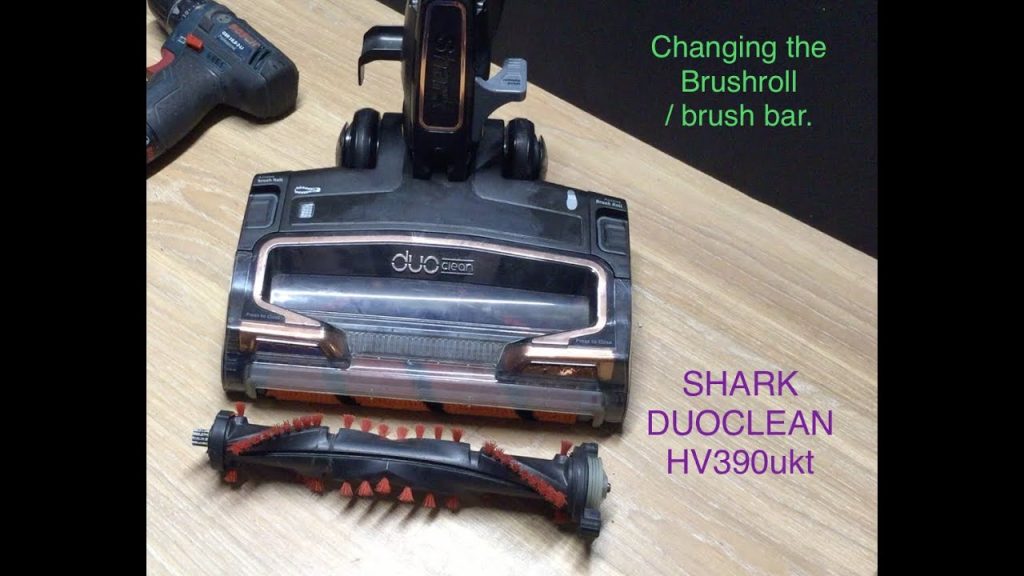
A tangled brush roll can’t agitate the carpet properly, which hinders the machine’s ability to lift water. It can also push debris into the suction pathway. Remove the brush roll cover, cut away any wrapped hair or threads, and ensure it spins freely.
3. Examining the Core Components
When the obvious paths are clear, it’s time to look at the components that create and maintain suction.
Address Dirty Filters
Dirty filters are a leading cause of suction loss. Shark machines typically have two: a pre-motor filter (protects the motor) and an exhaust filter (post-motor). A clogged filter starves the motor of air, crippling its power.
- Locate both filters according to your manual.
- Rinse them thoroughly under cold water until the water runs clear. Never use soap.
- Let them air dry for at least 24 hours completely before reinstalling. A damp filter will cause immediate suction problems.
Check for an Air Leak
An air leak breaks the vacuum seal. Listen for a high-pitched whistling sound during operation. Check all connection points: where the hose meets the body and the tank, the tank lid seal, and the nozzle attachment. Ensure every component is clicked and locked securely into place.
Common Causes and Solutions
Let’s break down the specific reasons why is my Shark carpet cleaner leaving water behind and how to fix them.
| Symptom / Cause | Likely Fix | Prevention Tip |
|---|---|---|
| Machine makes noise but leaves carpet soaked | Full dirty tank, clogged hose, or major air leak at tank seal. | Empty tank after every use. Secure the tank lid with an audible click. |
| Suction is weak or pulsating | Partially clogged filter or hose, or a dirty brush roll. | Perform regular filter maintenance and clear the brush roll after each cleaning session. |
| No suction power at all | Severe motor problem, electrical issue, or both filters are soaking wet. | Always ensure filters are bone dry before reinserting. Avoid running over large debris. |
| Water leaks from the machine body | Cracked tank, damaged hose, or faulty internal seal. | Handle tanks with care. Don’t force hose connections. |
Preventative Maintenance Tips
Regular care prevents most problems. Think of it like changing the oil in your car.
- Filter Care is Non-Negotiable: Clean the filters after every few uses, or as specified in your manual. Let them dry fully.
- Use Recommended Solution: Always dilute genuine Shark cleaning solution as directed. Off-brand or homemade mixes can leave sticky residues that clog hoses and filters.
- Empty and Rinse Tanks Immediately: After every use, empty both clean and dirty water tanks. Rinse them with clean water to prevent mold and solution buildup.
- Clear the Nozzle After Use: Run clean water through the system for a minute after cleaning to flush the hose and nozzle clear of solution.
- Store Properly: Store the machine with empty, dry tanks and without filters installed to promote airflow and prevent mildew.
When to Contact Professional Support
You’ve tried everything, but your Shark Rotator Professional not extracting water from carpet. Now what?
Consider professional repair if:
- You suspect a motor problem (burning smell, unusual grinding noise, no sound at all).
- There’s visible physical damage to the housing, tanks, or internal components.
- The machine displays an error code you can’t clear. (This is a key missing entity many guides overlook. Check your manual for code meanings).
- All troubleshooting steps have failed.
Before you DIY a complex repair, check your warranty. Opening the motor housing or breaking seals yourself often voids the manufacturer’s warranty. Your first call should be to Shark’s official customer support. They can provide model-specific guidance and authorize a repair if needed.
Model-Specific Considerations
Not all Sharks are the same. A Shark Navigator not picking up water after cleaning might have a different hose access than a Shark Rotator Professional. Always consult your user manual first. For example, the deep-cleaning process for a dedicated carpet extractor like the Shark CarpetXpert differs from a vacuum with a cleaning attachment. Knowing your model’s specifics is half the battle. Similarly, the maintenance for a machine used on both hardwood floors and carpet might need extra attention to prevent cross-contamination of debris.
Getting Back to Dry Carpets
A Shark carpet cleaner not picking up water is an interruption, not a death sentence. Start with the tank and the filtersthat solves most issues. Move on to checking for clogs and leaks. Use the right solutions and perform simple, regular maintenance. Your machine is a workhorse, but it needs basic care. If you hit a wall, there’s no shame in calling in the experts, especially to protect your warranty. Now you’re equipped with a clear path from a soggy problem to a solid solution. Go restore that suction.